
Building an Enterprise Knowledge Management System for a State-Owned Energy Company
How I helped architect and build a full-scale document and knowledge management platform for a large state-owned energy company, covering the real engineering challenges of approval workflows, full-text search, background jobs, role-based access control, and scaling an ASP.NET Core API for enterprise use.

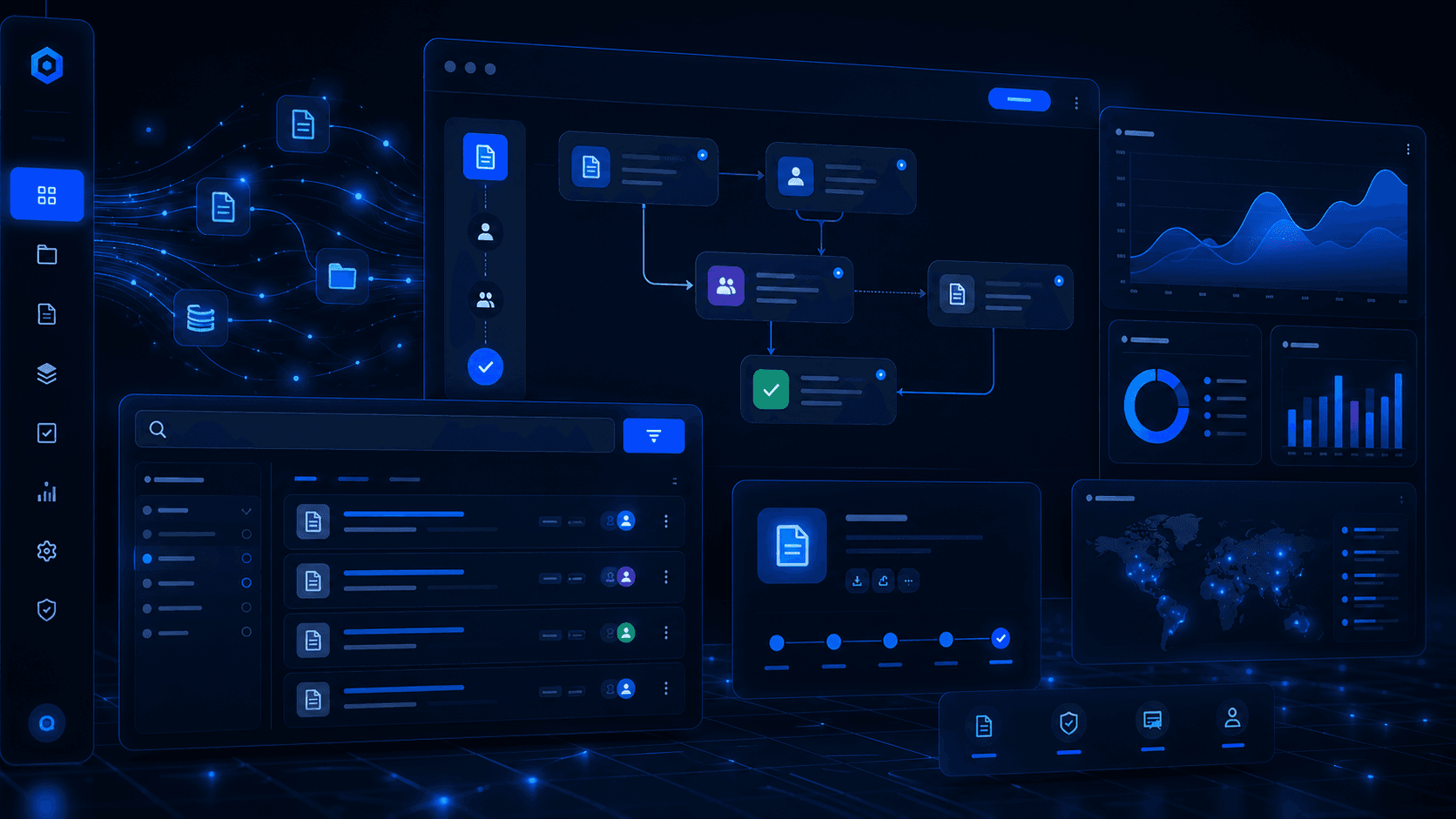
Building an Enterprise Knowledge Management System for a State-Owned Energy Company
Some projects leave a mark on you. Not because they were easy, but because they pushed you into problems you had never solved before, the kind of problems that only appear at real organizational scale, with real users, real approval bureaucracy, and real data complexity. Building an Enterprise Knowledge Management Center for one of the country's largest state-owned energy companies was exactly that kind of project.
This is the behind-the-scenes story of how the system was designed, the architectural decisions we made, the technical problems we had to solve, and the lessons that stuck with me long after deployment.
The Problem Worth Solving
The client, a large state-owned energy company with thousands of employees spread across organizational units nationwide, had a knowledge management crisis that many large organizations quietly suffer from: institutional knowledge was fragmented, inaccessible, and quietly disappearing.
Policy documents lived in shared folders that no one could search. Engineering databases existed in spreadsheets owned by individuals who might retire next year. Critical technical knowledge, the kind that only veteran engineers carry in their heads, had no structured capture mechanism. Videos of internal training sessions were stored on hard drives with no metadata, no search, and no approval trail.
The business need was clear: build a centralized platform that could manage the full lifecycle of five distinct content types, policy documents, videos, engineering databases, critical knowledge, and knowledge-sharing sessions, across an enterprise with thousands of employees, layered organizational units, and strict compliance requirements.
Anatomy of the System
The finished system is a 14-project .NET Core solution that splits into two distinct API surfaces:
- CMS API: The admin-facing content management system. Used by content creators, reviewers, and administrators to manage the full content lifecycle, user access, and organizational configuration.
- Website API: The public-facing portal API. Consumed by the end-user frontend where employees browse, search, bookmark, comment on, and download content.
The architecture follows a clean layered pattern:
CMS API / Website API (Controllers, Startup)
    ↓
Services Layer (Business Logic, Repositories, Background Jobs)
    ↓
Data Access Layer (EF Core, Migrations, DbContext)
    ↓
PostgreSQL + Elasticsearch
Supporting this are cross-cutting libraries for configurations, request/response DTOs, exceptions, extensions, and external integrations. Having these as separate projects enforced clean dependency boundaries: the data access layer can never accidentally import a controller, and the services layer has no knowledge of HTTP.
The Tech Stack and Why We Chose It
ASP.NET Core 3.1 + PostgreSQL
The backend was built on .NET Core 3.1, chosen for its performance characteristics, mature ecosystem, and long-term support at the time. Entity Framework Core handled data access against a PostgreSQL database, which gave us a powerful, open-source RDBMS with excellent JSON support and full compatibility with the EF Core Npgsql driver.
PostgreSQL also supported the soft-delete pattern we used throughout the system. Rather than physically deleting records, entities are marked as deleted via an IsDeleted flag, and global query filters on the DbContext ensure they are transparently excluded from queries. This preserved audit history and made accidental deletions recoverable.
Elasticsearch for Full-Text Search
Search was a non-negotiable core feature. Users needed to find documents not just by title but by content, across PDFs, text bodies, tags, and metadata. A SQL LIKE query was never going to cut it at this scale.
We integrated Elasticsearch 8.11 using the official client library. Content is indexed asynchronously when created or updated. The search layer supports relevance-ranked full-text queries, filtered searches by document type/category/date, and tag-based discovery. Handling index synchronization correctly, especially ensuring that documents in draft or approval state are not visible in public search, required careful coordination between EF Core updates and Elasticsearch index operations.
Hangfire for Background Processing
Twenty-three background jobs power the system's automated operations. These are managed by Hangfire 1.8.11 with a PostgreSQL job store, which gives us persistence, retry semantics, and a built-in dashboard for job monitoring.
Jobs include:
- Media archival: documents, videos, and engineering database entries that have passed their retention policy are automatically archived on a schedule.
- Agenda reminders: email notifications are dispatched ahead of scheduled knowledge-sharing sessions.
- Organization data sync: employee and organizational unit data is periodically synchronized from the company's external HR systems.
- Dangling file purge: uploaded files that were never associated with a content record (orphaned during aborted submissions) are cleaned up regularly.
- Dashboard aggregation: view counts, interaction metrics, and summary statistics are pre-computed into a materialized view to keep the dashboard fast.
The key design decision was to make every job idempotent. A job that runs twice should produce the same result as a job that runs once. This made retries safe and removed a whole class of potential data corruption bugs.
JWT + ASP.NET Identity + LDAP
Authentication runs on two tracks. Corporate employees authenticate through LDAP integration with the company's internal directory. They log in with their existing corporate credentials, and the system resolves their identity, roles, and organizational unit through the directory service. Application-specific users are managed through ASP.NET Core Identity.
Both paths produce JWT Bearer tokens that carry the user's identity and claims. Authorization is then enforced at the controller level through a system of 70+ custom claims covering every discrete permission in the system, from dashboard access to approving specific content types to managing user accounts. This granularity was necessary to satisfy the compliance requirements of a large state enterprise.
Media Processing: FFMpeg, SkiaSharp, PDF Libraries
Content is not just text. The system handles four categories of binary content:
- Video files: Processed through FFMpegCore for thumbnail extraction, duration detection, and format validation on upload.
- Images: Resized and compressed using SkiaSharp to generate appropriately-sized preview images.
- PDFs: Generated programmatically via PdfSharp/MigraDoc for export reports, and parsed via PdfPig to extract text content for Elasticsearch indexing.
- Excel/CSV: Reports are exported using ClosedXML and CsvHelper for tabular data dumps.
The Hardest Engineering Problem: Content Approval Workflows
If I had to point to the single most complex domain problem in the system, it would be the multi-step content approval workflow.
Every content type goes through the same lifecycle:
Implementing this correctly required modeling not just the content itself, but the approval request (a separate entity tracking who the request was sent to, when, and with what message), the approval decision (the verifier's response), and the approval history (an immutable log of every state change with timestamps and actor identities).
The tricky edge cases were numerous:
- What happens when a verifier's account is deactivated mid-approval? The system needed reassignment logic.
- How do we prevent race conditions where two verifiers approve the same pending request?
- How do we handle content that has been approved but then needs to be revised post-publication?
Each of these required explicit state machine design, careful transaction boundaries, and thorough integration testing. The approval domain alone accounts for roughly 30 repository classes and dozens of migration files.
Five Knowledge Domains, One Unified Architecture
One of the more interesting design challenges was that the five content types share a similar lifecycle but have meaningfully different data shapes:
| Content Type | Key Differentiator |
|---|---|
| Policy Documents | Regulatory classification, target audience |
| Videos | Duration, streaming URL, video-specific metadata |
| Engineering Database | Technical specs, equipment references |
| Critical Knowledge | Rarity score, knowledge-loss risk rating, named expert |
| Knowledge Sharing | Session date, presenter, attendance records |
This meant the CMS approval management screens could work with a single workflow controller, dispatching to type-specific services only for the business rules that genuinely differed between types.
Handling Scale: Pagination, Filtering, and Search
The system was designed from day one for high data volumes. Every list endpoint accepts a filter request object that supports:
- Keyword search: routed to Elasticsearch for content searches, SQL for metadata
- Date range filtering
- Category and tag filtering
- Role-based visibility rules: a unit verifier only sees content from their organizational unit
- Paginated responses with total count for frontend page controls
EntityFramework.DynamicLinq was used to build dynamic
WHERE clauses from filter parameters without resorting to raw SQL or giant if/else chains. This kept the repository layer clean while supporting flexible, user-driven filtering.
Role-Based Access: 70+ Claims
The access control system deserves its own section. Standard role-based access (Admin/User) would never be sufficient for an enterprise compliance context. We needed to answer questions like:
- Can this user approve policy documents, or only engineering database entries?
- Can this user view the access control management screen, or only the approval queue?
- Can this user export activity logs, or only view them?
[Authorize(Policy = "...")] attribute. Policies are registered at startup and resolve to specific claim checks.
User permissions are stored in the database and included in the JWT token at login time. This means permission checks happen at the controller layer without database round-trips, while still being fully configurable by administrators through the CMS user management screen.
The Operational Layer: Logging, Monitoring, and Audit
Every significant user action in the system is recorded in an activity log. This is not just for debugging, it is a compliance requirement. Administrators can export activity reports for audits showing who accessed what content, when, and from which organizational unit.
Serilog handles structured application logging with file sinks, ensuring that exceptions, slow queries, and job failures are written to persistent logs with enough context to diagnose production issues without requiring a debugging session.
The Hangfire dashboard gives operations teams visibility into job queues, failed jobs, and retry history without needing to shell into the server.
Development Journey
The project was built by a cross-functional backend engineering team, iterating in agile sprints with regular stakeholder reviews from the client's internal team. My role covered backend API development, database design, workflow engine implementation, and search integration.
The migration history tells the story of feature evolution: 200+ database migrations across the project lifetime, each representing a schema change as requirements evolved. Features were added incrementally: search came before tagging, tagging came before interest subscriptions, interest subscriptions came before notification emails.
One pattern that proved invaluable: feature flags through configuration rather than code branches. When a new module was partially complete, it was deployed behind a configuration flag rather than a feature branch, avoiding long-lived branches and reducing merge conflicts.
Key Takeaways
Building this system pushed me across several areas I had not operated at this scale before:
Domain modeling at depth. When you have 170 entity models and 93 repository classes, naming matters enormously. Unclear domain language is a productivity killer at this scale. Investing time upfront to align terminology with stakeholders pays off every sprint.
Approval workflows are a mini state machine problem. Don't treat them as a simple status field. Model them as a proper state machine with defined transitions, and you will catch edge cases that a status column would silently let through.
Background jobs need idempotency guarantees, not just reliability. A job that can safely run twice is infinitely more maintainable than one that assumes it runs exactly once.
Search is a first-class feature, not a filter. Investing in Elasticsearch indexing meant users actually found what they were looking for, which directly impacted adoption in a way that SQL LIKE queries never could have.
Claims-based authorization scales; roles don't. If your access control requirements go beyond "admin vs. user," claims give you the granularity you need without a proliferation of roles that become impossible to reason about.
PostgreSQL's soft-delete pattern with EF Core global filters is genuinely powerful. It gave us recoverable deletes and clean audit history with almost no overhead at the query layer.
This project represents one of the most complex, end-to-end systems I have contributed to building. It is not glamorous in the way a consumer app might be. But it solves real problems for real people in a large organization, and it does so reliably. That is a different kind of satisfaction, and one I value just as much.
Comments
No comments yet. Be the first!

